To update your Live Assist Chat script tag:
- Go to your Live Assist for Dynamics 365 Admin Portal.
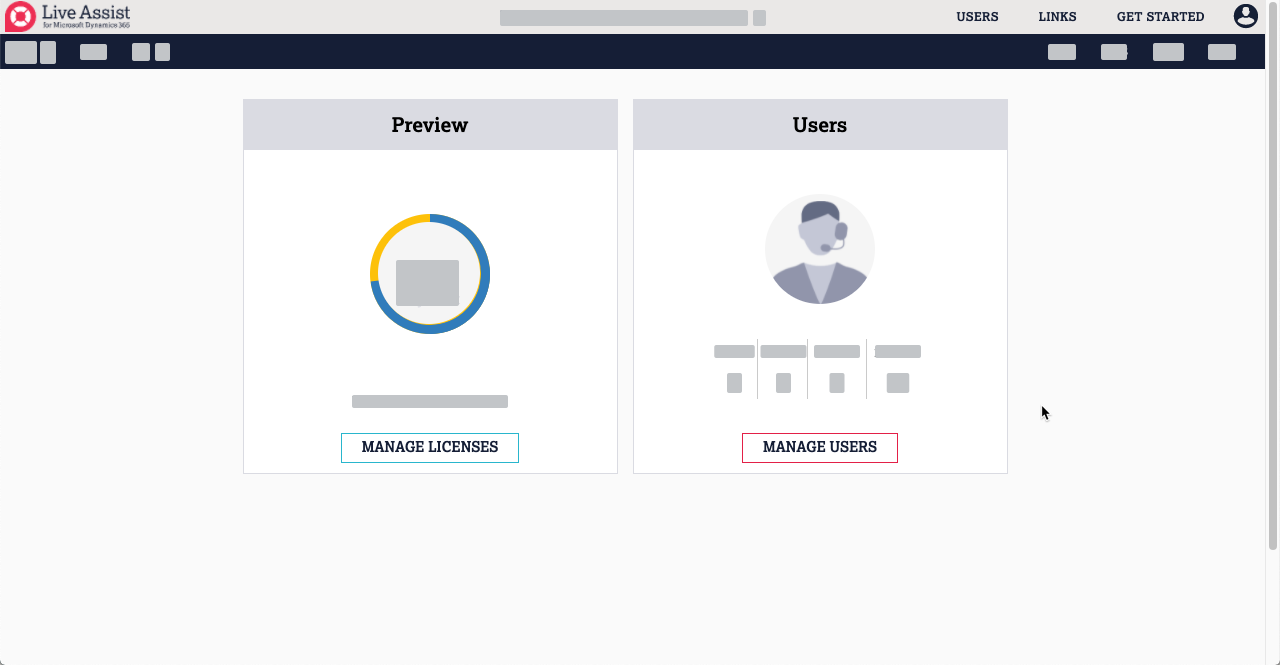
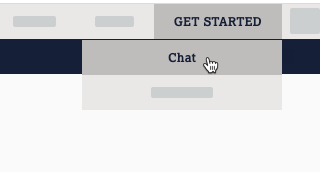
- Click Get Started > Chat.
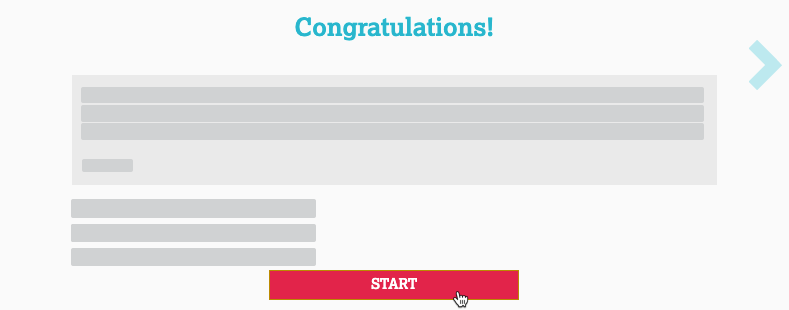
- Click Start.
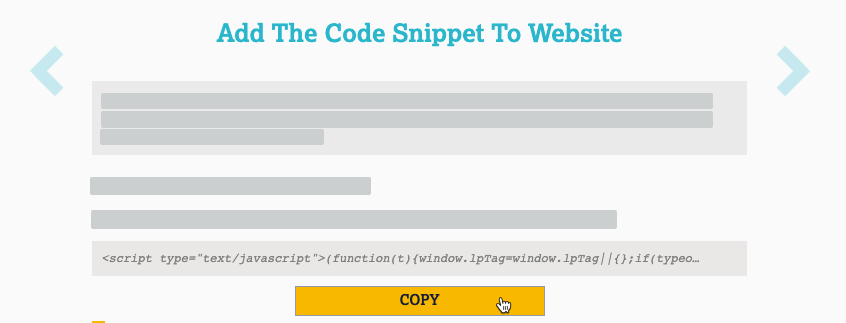
- To copy the script tag to your clipboard, click Copy:
- Embed the new script tag within the
<body>element on any pages of your website that require Chat, co-browse, File Transfer, or Voice and Video functionality to be available when a visitor navigates to them during an Engagement.